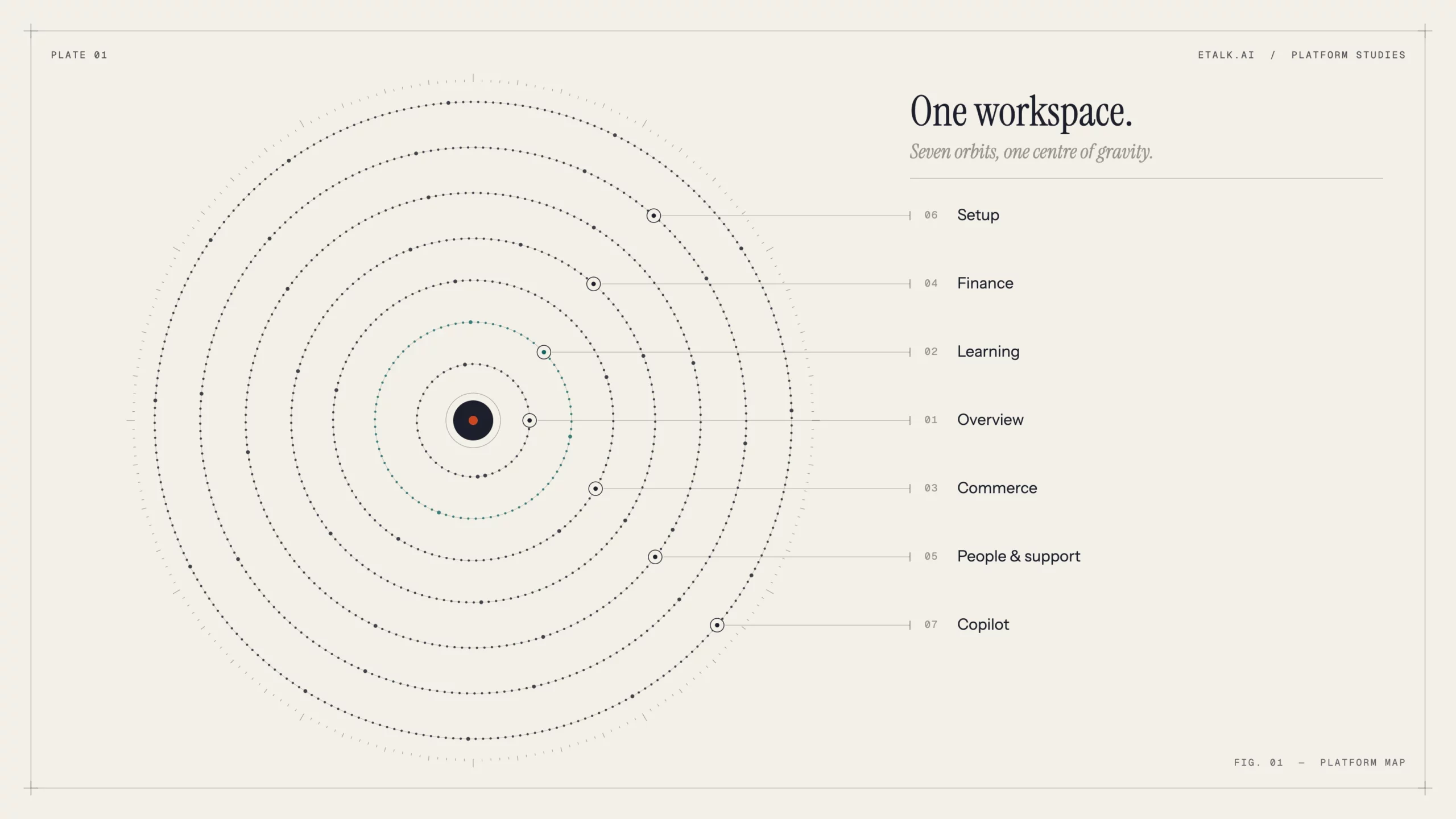
Scheduling, curriculum, a storefront, payments, payouts, support and AI, all in one place. Here’s a tour of what eTalk.ai does today.
If you run a tutoring company, a language school, an academy or a corporate training team, you know how it usually goes. Lessons sit in one tool, payments in another, homework in a third, and support requests are spread across email and chat apps. Someone on your team spends every month-end gluing spreadsheets together.
eTalk.ai was built to replace that patchwork with one workspace. Think of it as an ERP for education: one system where teaching, selling, money, people and support all share the same data. This post walks through what an administrator can do on the platform right now.
1. A dashboard that tells you how the business is doing
The Overview dashboard is the first screen you see, and it answers three questions: how much money came in and went out, how much teaching happened, and who is on the platform.
- Pick your reporting window: this month, the last 30 days, this quarter, year-to-date, or any custom date range.
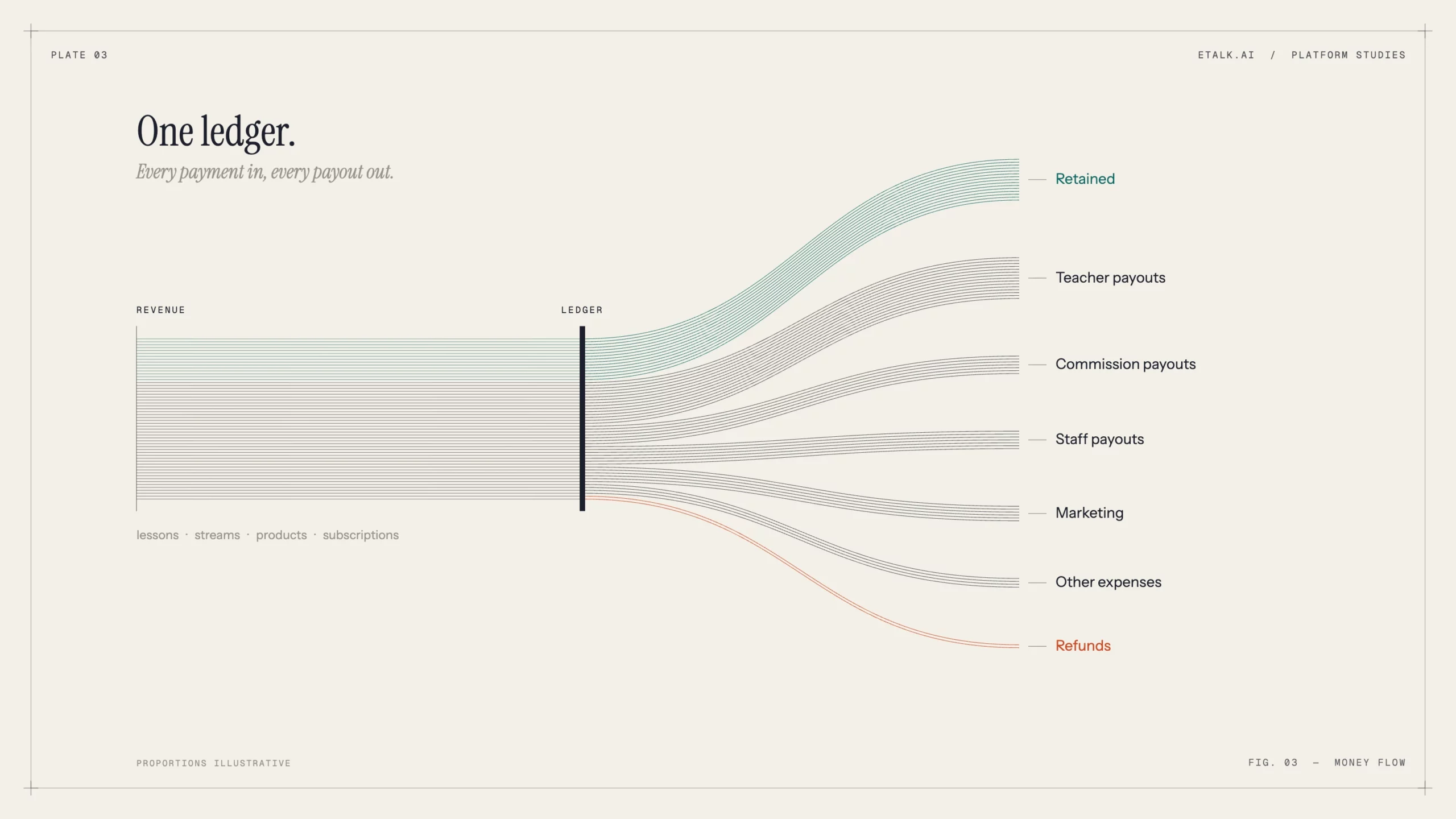
- Drill into the money: revenue, refunds, teacher payouts, commission payouts, staff payouts, marketing spend and other expenses, each as its own line item.
- Drill into lessons: lessons scheduled ahead, cancellations ahead, completed past lessons and past cancellations.
- Adjust pricing quickly: change the student rate multiplier straight from the dashboard.
- Jump to what needs attention: shortcuts to open requests, exchange rates, transactions, support tickets, chats, student reports, notification rules and coupons, plus direct browsing of students and teachers.
2. Teaching and learning: from curriculum to homework
The Educational area is where the teaching gets designed and delivered.
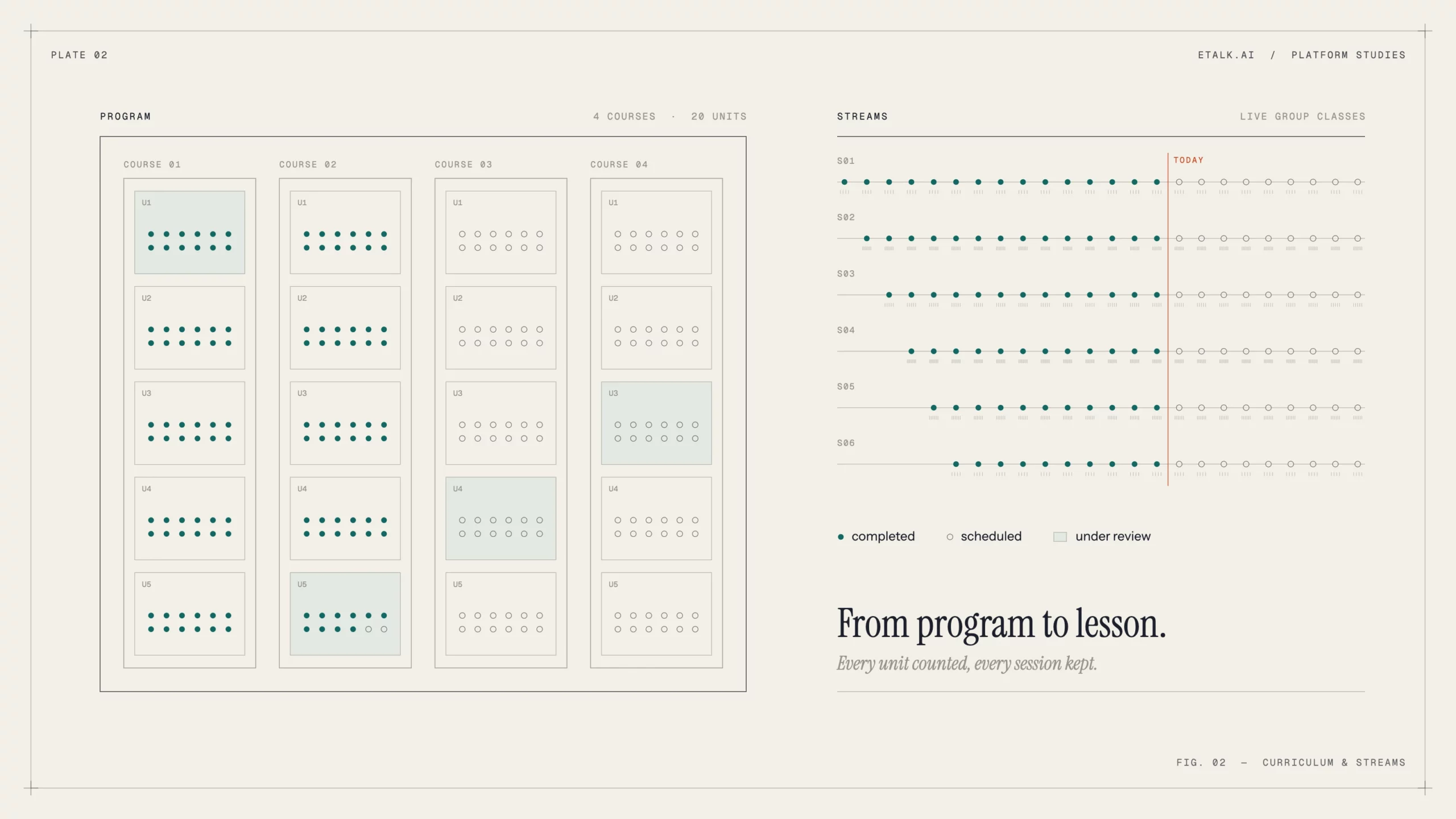
- Curriculum builder: organize content as programs, courses, units and lessons, so a 12-month language program and a two-hour compliance course can sit on the same platform.
- Lesson schedule: view and manage every lesson across teachers and students.
- Streams (live group classes): launch group cohorts from reusable stream templates, then track each stream’s schedule, enrolled students and progress, and mark it complete.
- Learning plans: build structured plans for individual learners.
- Homework review: teachers read, listen to, comment on and grade student submissions. Listening matters for speaking tasks, where the student’s recording is the homework.
- Subjects and reports: keep subject categories tidy and follow each student’s progress through learning reports.
3. A storefront that sells your courses for you
Most education platforms stop at delivery and leave you to sort out sales. eTalk.ai includes a full commerce layer.
- Products: sell courses, live streams, standalone offerings and learning-plan packages. Each product has its own billing plans, catalog display settings and categories, and moves through publish, unpublish, archive and restore.
- Buyer input templates: define reusable sets of checkout fields (level, goals, time zone, company name, and so on) and attach them to any product, so you never rebuild the same form twice.
- Categories: organize the storefront as a tree with clean URLs, a display order and product-type rules.
- Catalog pages: create curated landing pages with filters, SEO settings, rich content, FAQs and link groups. These work well for campaigns such as “IELTS Prep” or “French for Kids”.
- Commerce settings: choose your payment processor, set checkout tax and configure default checkout fields for each product type.
4. Finance without the spreadsheet gymnastics
Because sales, lessons and people live in one system, the finance tools can show the whole picture.
| Area | What it does |
|---|---|
| Finance overview | A platform-wide view of your financial position |
| Transactions | Every payment and payout in one ledger |
| Invoices and subscriptions | Manage one-off billing and recurring plans |
| Wallets | Balances held by users on the platform |
| Rates | Exchange rates and pay rates |
| Reports | Financial reporting on demand |
| Teacher agreements | Create and review agreements with rates, signing dates and documents attached |
| Coupons | Fixed or percentage discounts and bonuses, with usage limits, expiry dates and deactivation |
Teacher agreements stand out. Pay terms sit next to the lessons a teacher delivers, so payouts no longer depend on someone cross-checking a contract by hand.
5. People, partners and support
- Users: manage students, teachers and agents. Search and filter, edit profiles and roles, assign a managing agent, and register new users yourself.
- Partners: onboard partner organizations such as agencies, resellers and referral partners, with their own commission terms and target categories.
- Lesson requests: students request lessons and your team claims and resolves them. Staff can also create a request on a student’s behalf.
- Conversations: read and reply to any conversation thread on the platform from one inbox.
- Support tickets: triage tickets and move them through a clear lifecycle: in progress, closed, reopened.
- Operational issues: when something fails in the background, the system raises an issue you can filter by severity, status and assignee. You can inspect diagnostics and stack traces, then acknowledge or resolve it. Problems surface before customers notice them.
6. Make it yours: white-label setup
eTalk.ai is meant to look like your school, not ours.
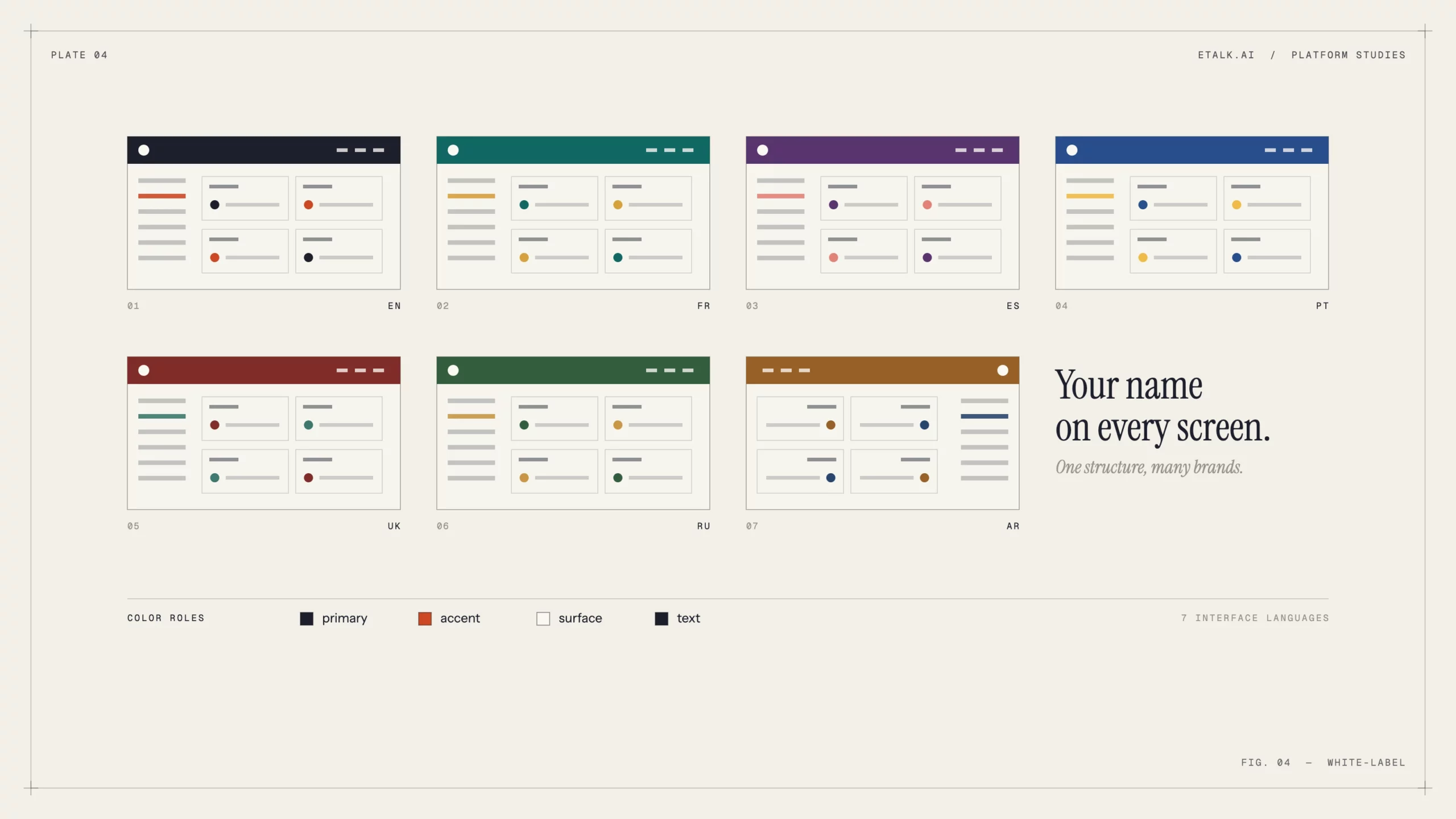
- Branding: set your brand name, logo, color roles, fonts and legal documents, with a live preview before you save.
- Translations: reword any of the platform’s interface text, by hand or with AI that applies your own terminology glossary. If you say “coach” instead of “teacher” or “session” instead of “lesson”, the whole platform can follow.
- Integrations: connect your email, SMS, video meeting and payment providers.
- Notification rules: decide which event triggers which message, to whom and on which channel, each with its own template.
- Knowledge base: feed the AI copilot your policies, standards and FAQs as text, web pages, YouTube videos, documents or images, then review and remove entries whenever you need to.
7. AI and everyday tools, on every screen
A few tools follow you around the whole platform:
- AI Copilot: an assistant panel that knows the platform and your knowledge base. Ask it how to do something, or ask it to pull the data you need. You can choose which AI model powers it.
- Conversations widget: quick access to chats that are still waiting for a reply.
- Notifications panel and background work drawer: keep track of alerts and long-running jobs without leaving your page.
- Seven interface languages: Arabic, English, French, Portuguese, Russian, Spanish and Ukrainian.
- Dark mode, for the late-night scheduling sessions.
- Setup guide: an onboarding checklist that takes a new school from an empty workspace to its first sale: workspace, branding, domain, teachers, students, meetings, courses, lessons and products.
Who it’s for
eTalk.ai fits any organization that teaches people and needs to run it like a business: private tutoring companies, language schools, after-school program providers, academies, colleges and corporate training teams. Whether you have five tutors or fifty centres, you get the same connected system: plan the learning, sell it, deliver it, get paid, pay your people, and support everyone along the way.
Try it yourself
The quickest way to understand the platform is to set up your own workspace. Start a 14-day free trial at app.etalk.ai/new-tenant and let the setup guide walk you through your first course, teacher and product.
Questions, or interested in partnering with us? Write to info@etalk.ai.