Important: From the 1st to the 5th of each month, you need to submit reports for each of your students! #
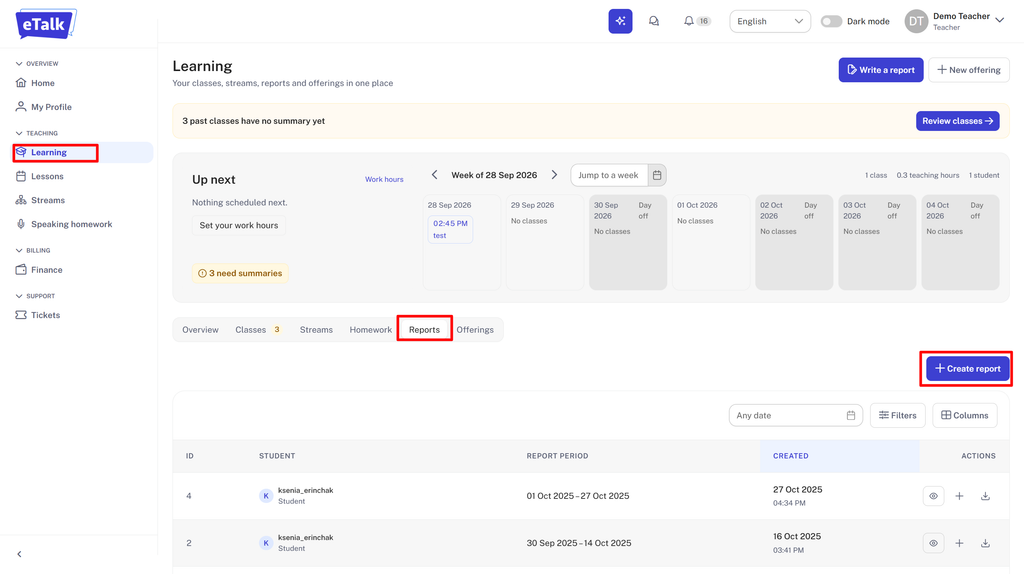
- Go to the “Learning” tab on the left-hand menu, then click on “Reports” and ”Create report”
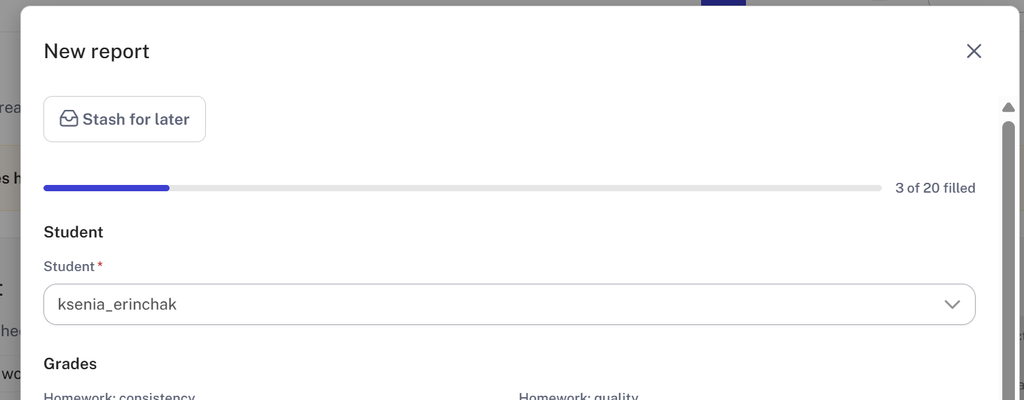
- Select the student.
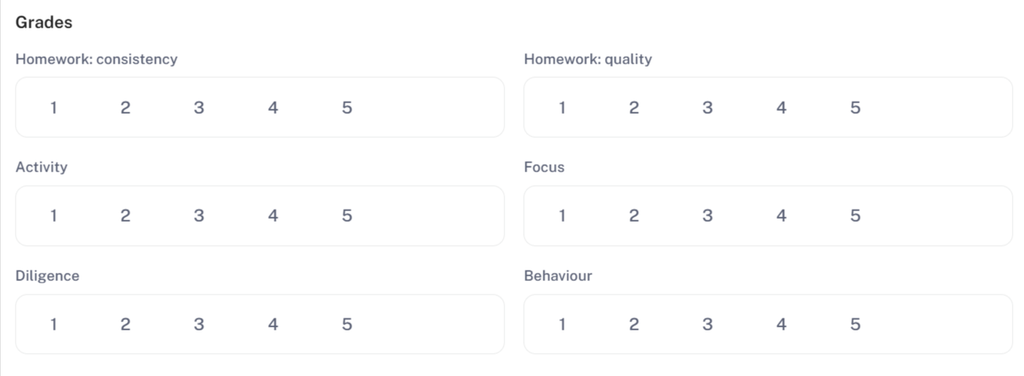
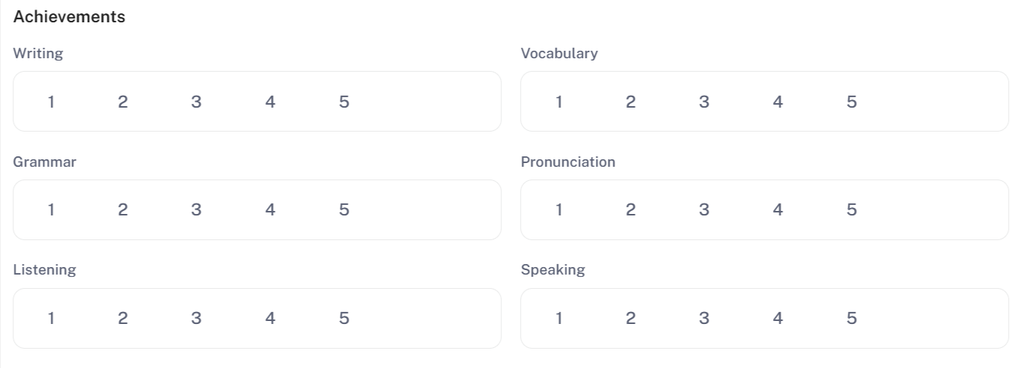
- Fill in each item in “Grades” and “Achievements” sections.
Each category can be rated from 1 to 5, where 1 is a low grade and 5 is a high grade.
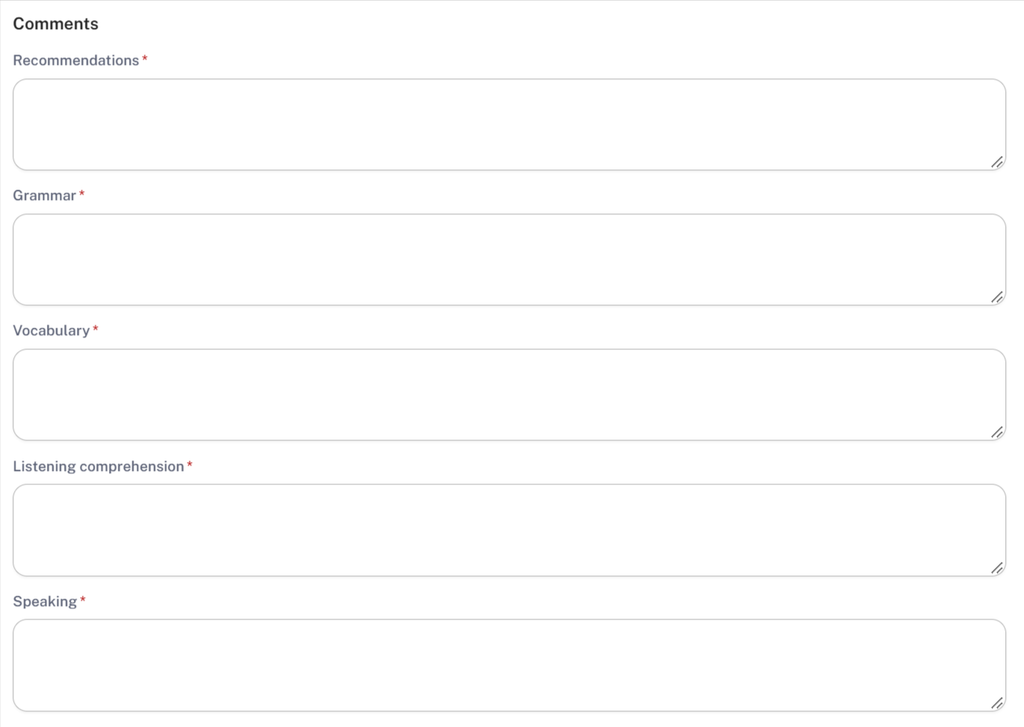
4. In the “Comments” section, write a more detailed response. You can point out the student’s strengths and weaknesses, what needs attention, and give recommendations for improvement.
5. Then specify the period for which you are reporting.
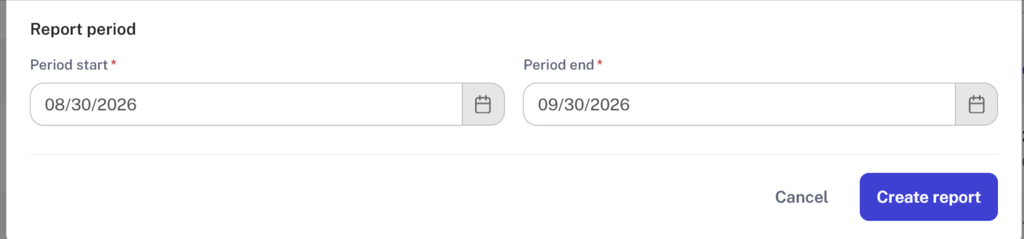
If you worked with the student for a full calendar month (for example, from October 1 to October 31), specify the full month.
If the lessons started in the middle of the month, specify the date of the first and last lesson for the month (for example, from October 13 to October 29).
Once you have completed filling out the report, click “Create report”.


