There are several ways to join a lesson:
trough the ”Home” page or through the “Lessons” page.
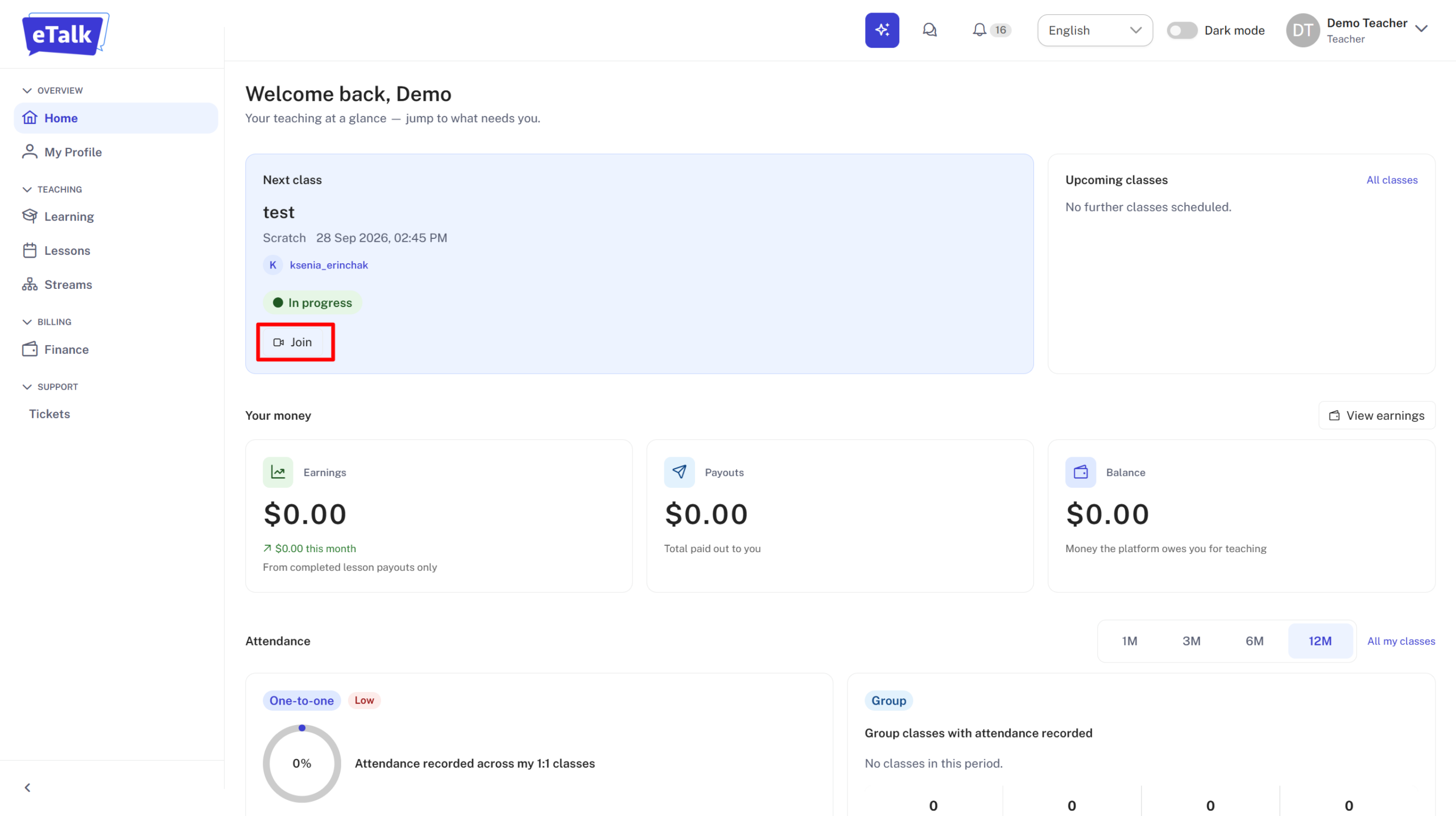
- Immediately after logging into your profile, you’ll see the “Home” page. The current lesson is highlighted in blue. You can join it by clicking “Join.”
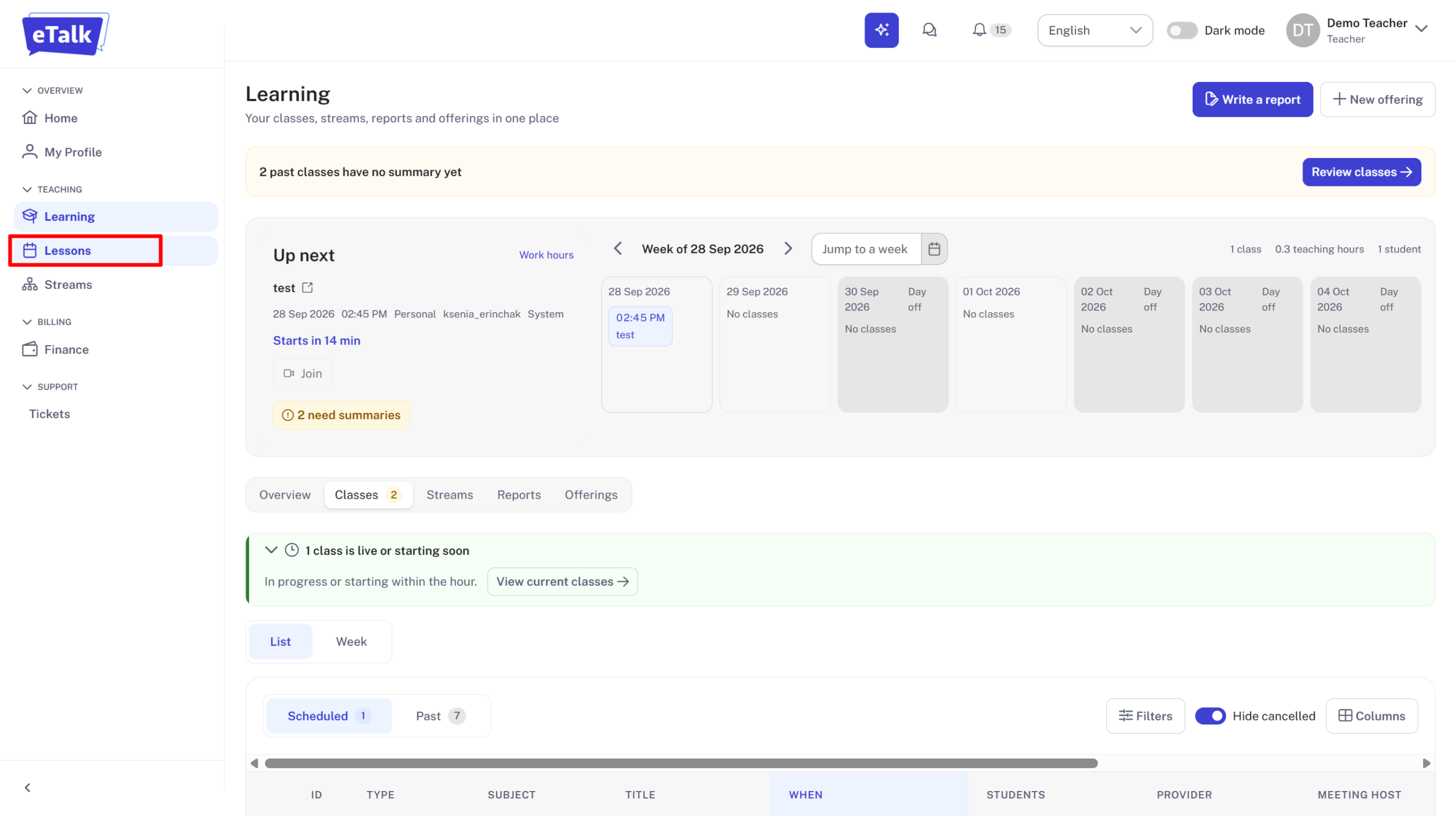
- To see the list of lessons, you need to go to the “Lessons” tab from the dashboard.
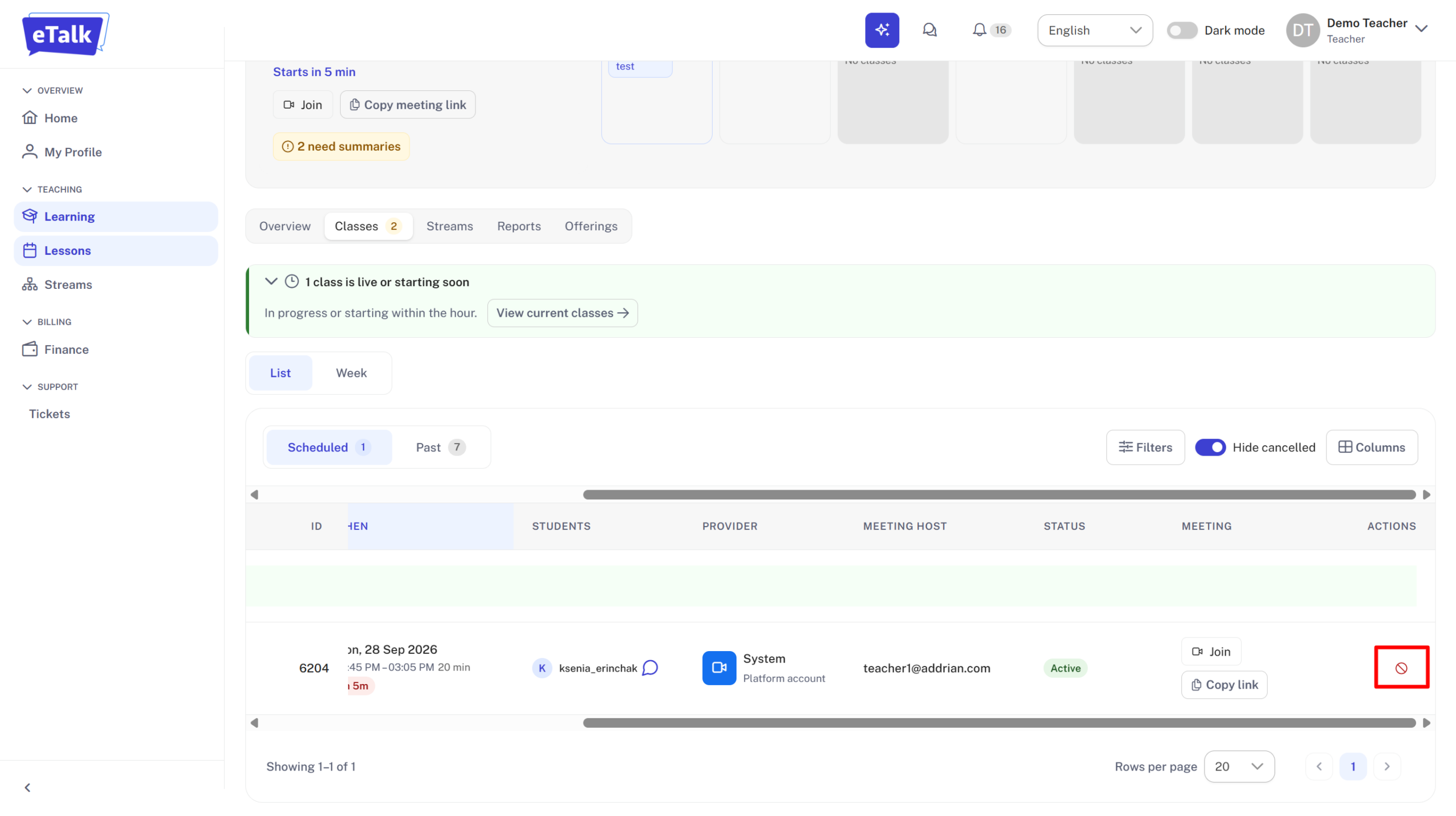
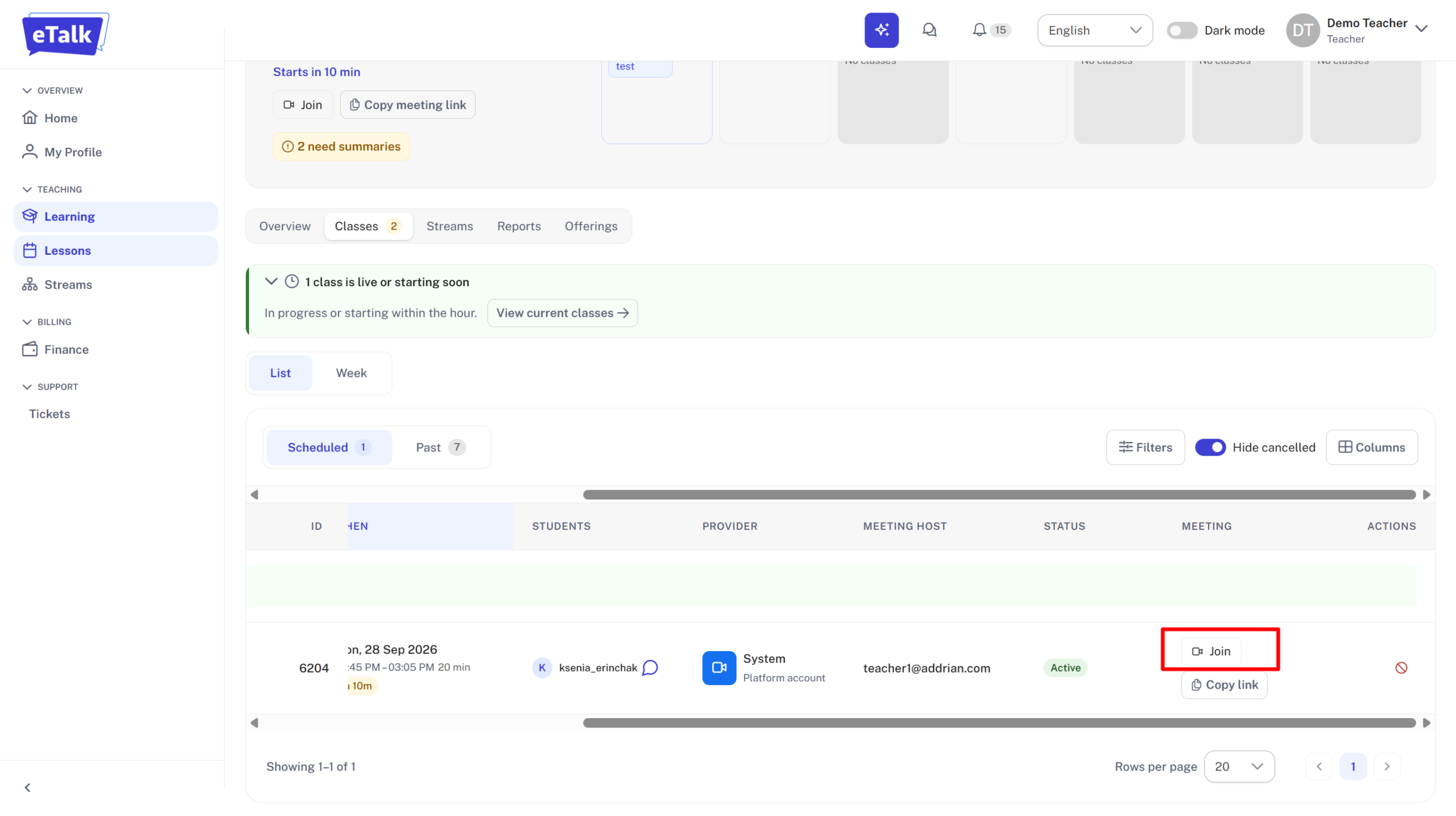
At the bottom of the page, you’ll find a list of scheduled lessons. To enter the current lesson, click on the “Join” button. IMPORTANT: The “Join” button becomes active 10 minutes before the lesson starts!
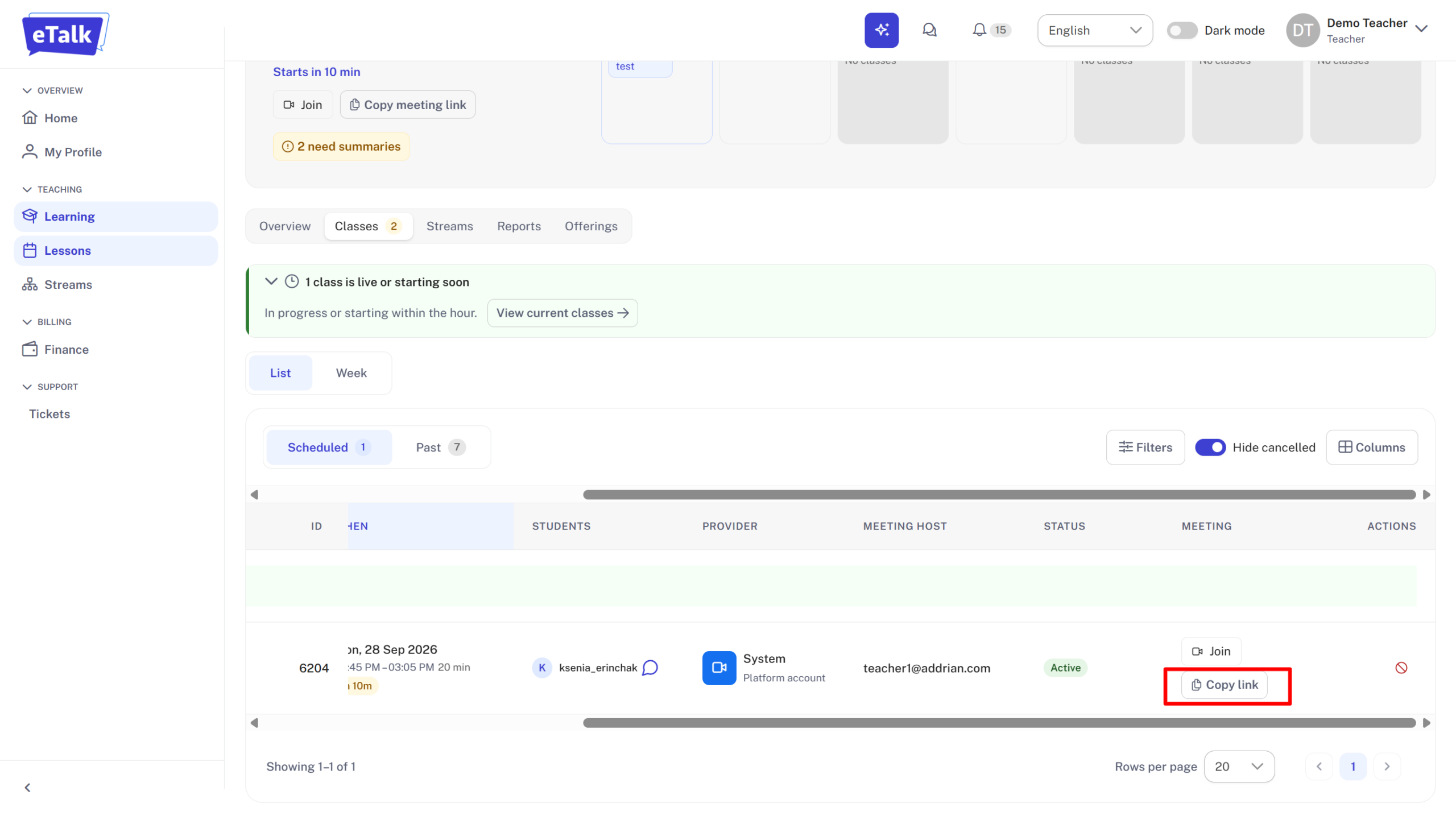
If you are unable to join the lesson by clicking the “Join” button, please do the following:
- Copy the link to the lesson by clicking “Copy Link”;
- Open a new tab in your browser;
- Paste the copied link into the search bar and press “Enter” on your keyboard.
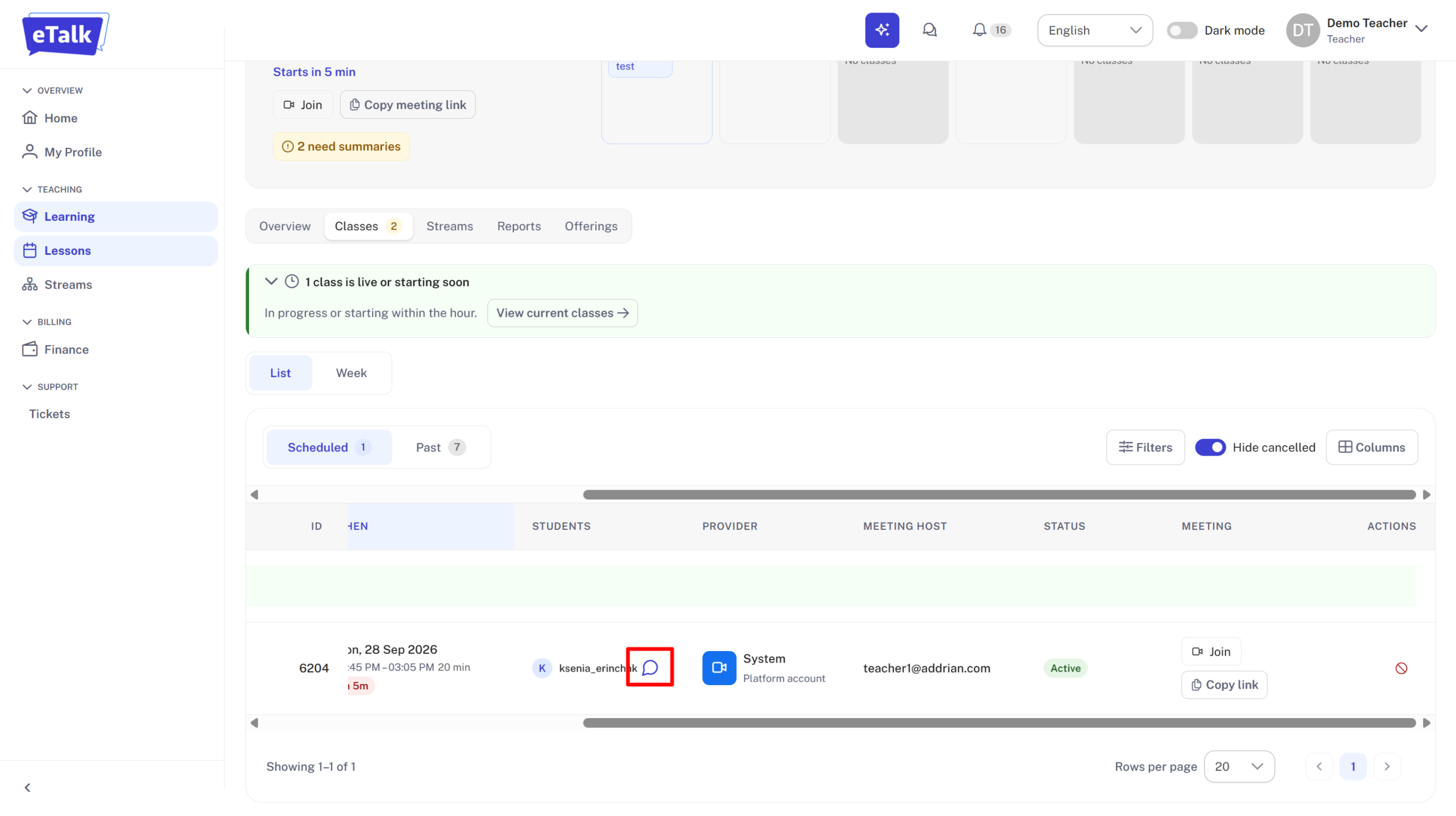
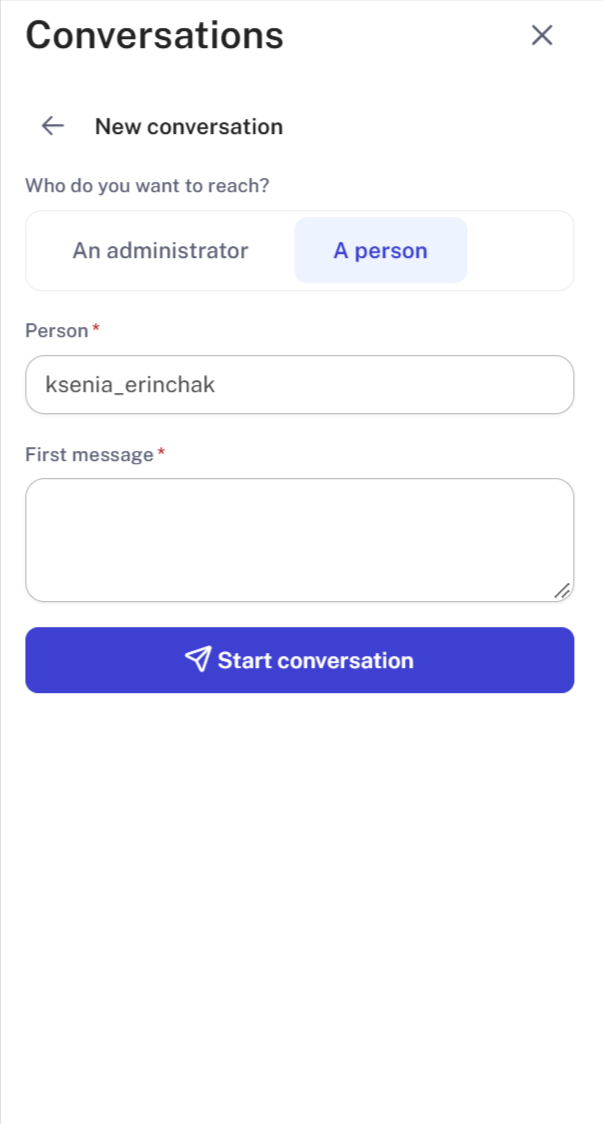
If you need to cancel a lesson, you can click “Cancel” next to the relevant class. And write to the manager and student in the chat to notify them of the cancellation.