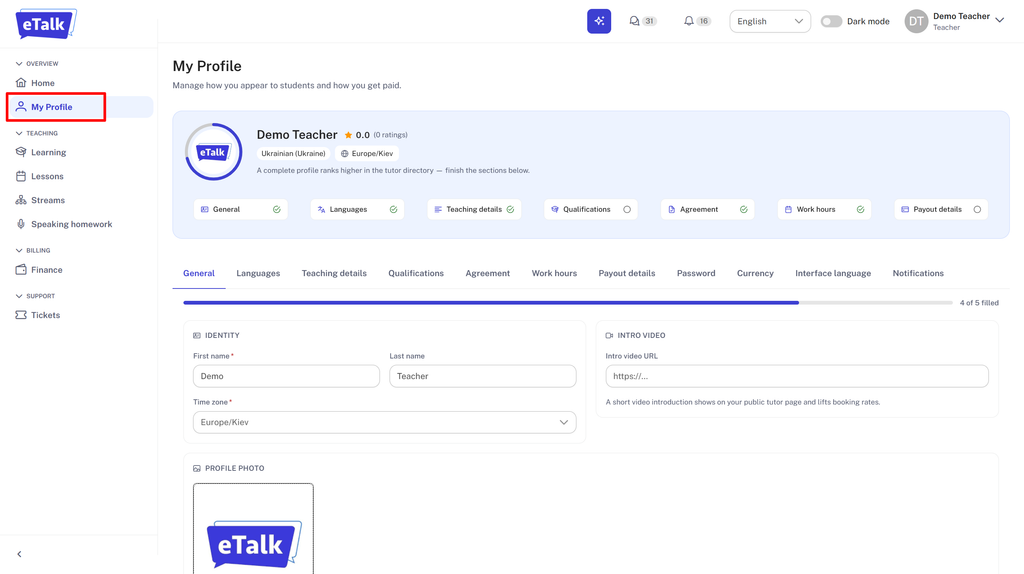
- Once you are logged in to your profile, go to the “My Profile” tab in the left-hand menu.
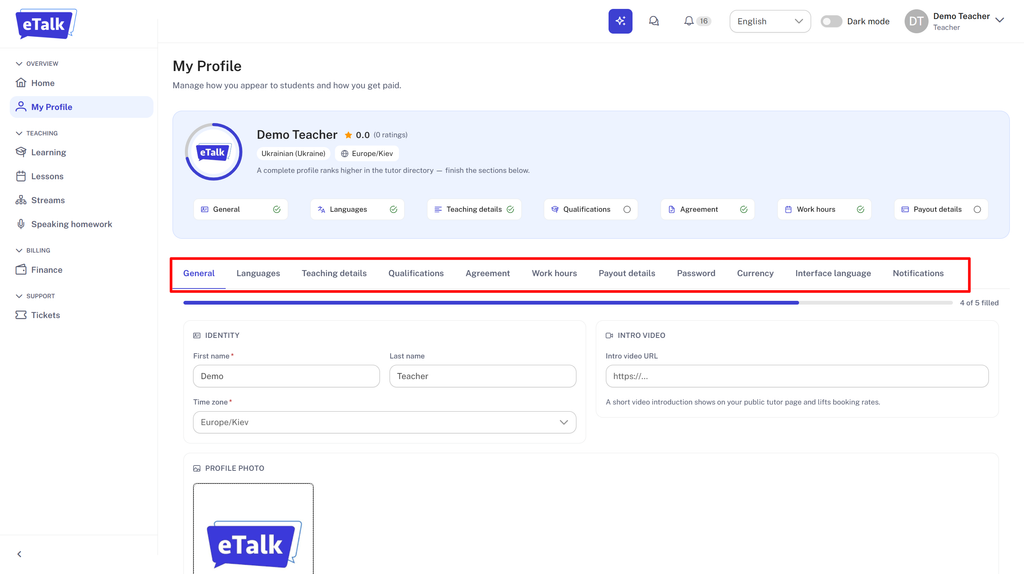
- Then go through each item on the highlighted list and add information about yourself.
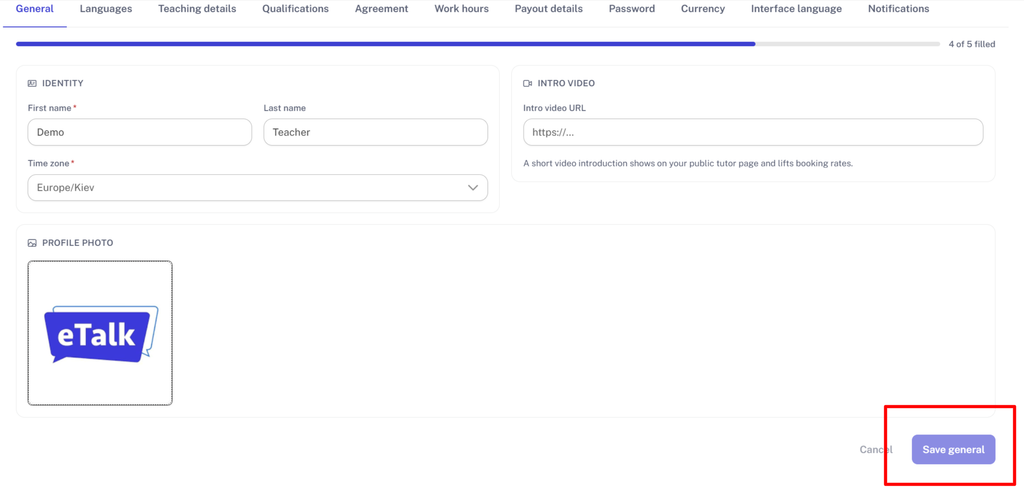
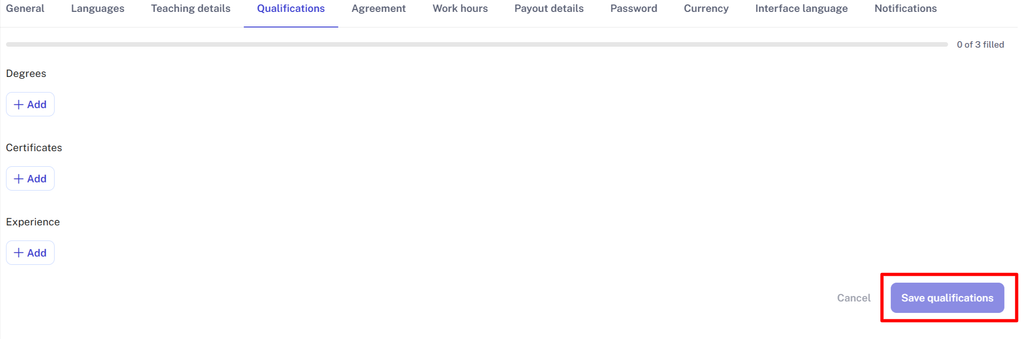
Don’t forget to save any changes to your profile!
Be sure:
– to add a profile picture. To do this, click on the photo field and select the desired file;
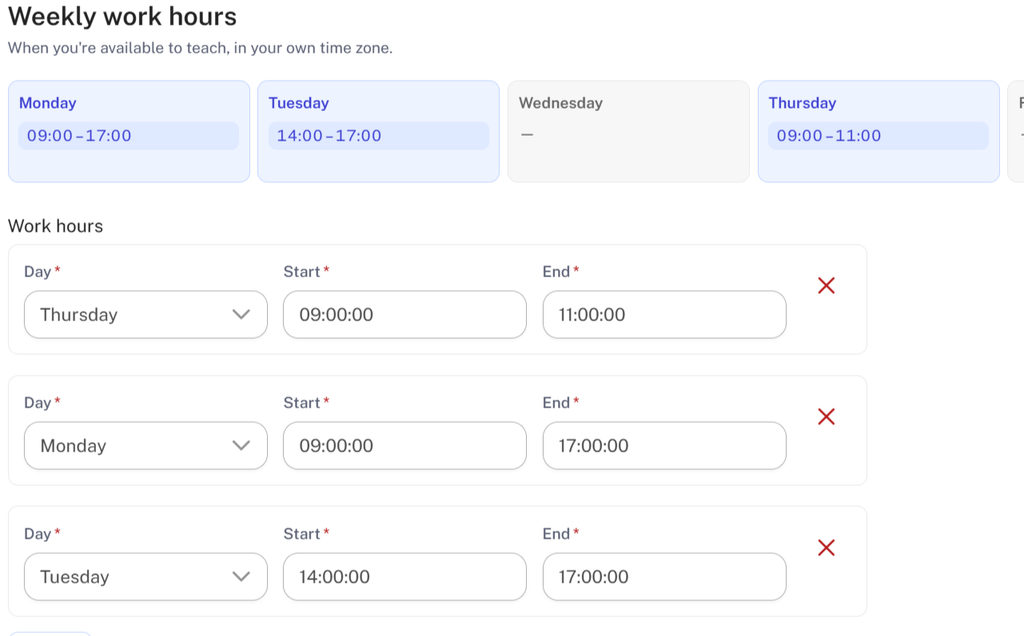
– to update your availability;
– to update your timezone if it’s not correct;

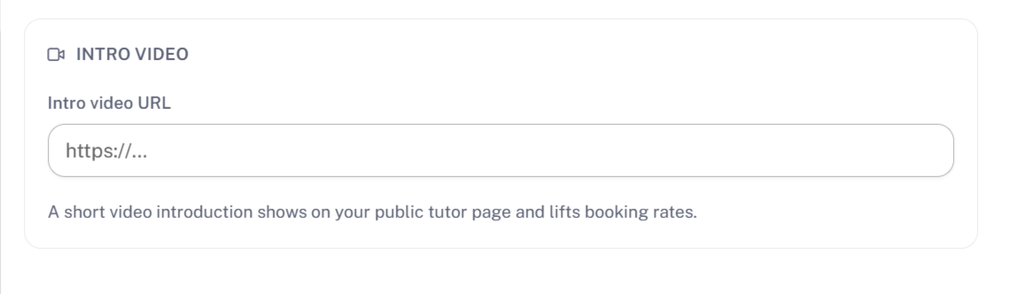
– to add a link to your demo video;
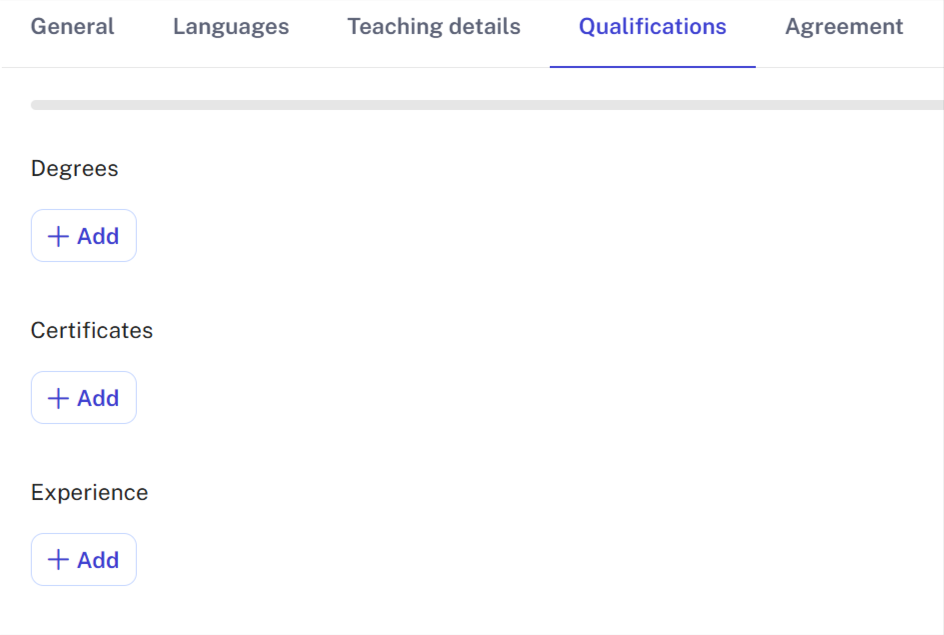
– to fill in information about your education, work experience, certificates you have, etc.
Important: write a short text about yourself in the teacher`s details section. Describe what you work with, what successes your students have had, etc.

Example: Hi, my name is Mike, and I am an English teacher from the USA. I prepare students for CELPIP, IELTS exams, and I teach business English. Most of my students scored between 6.5 and 7.0 on the IELTS exam.


