You can use the feature to submit requests for tutor matching for your students.
After logging into your account, go to the “Requests” section in the left-hand menu. Then click on “Create Request.”
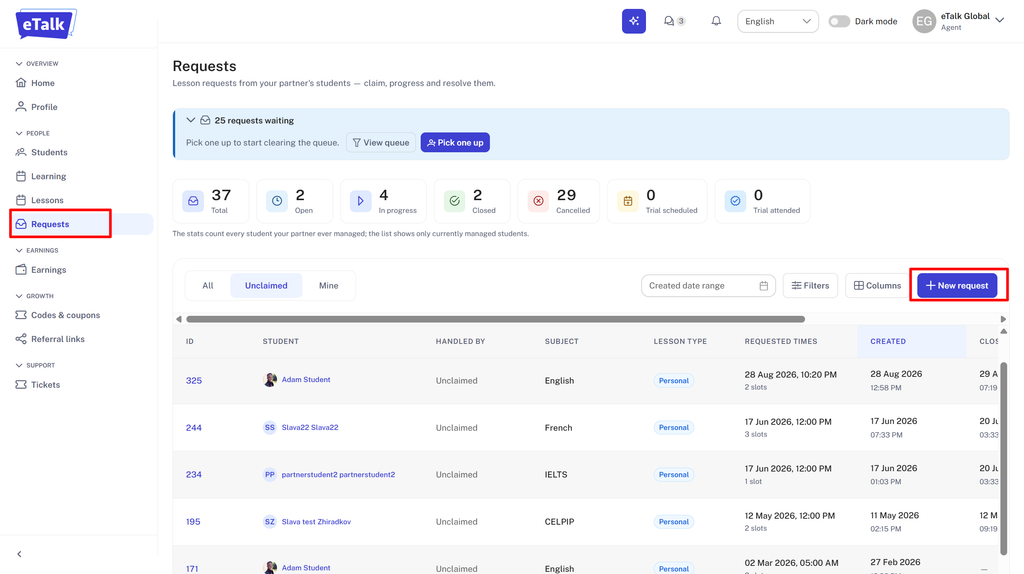
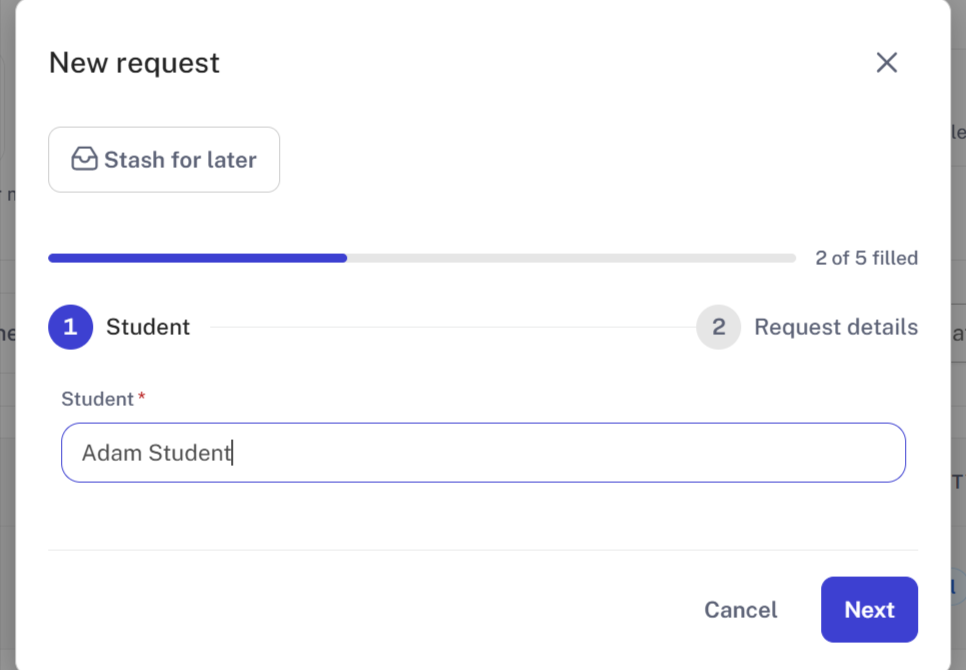
Step 1: Select the student for whom a teacher needs to be matched.
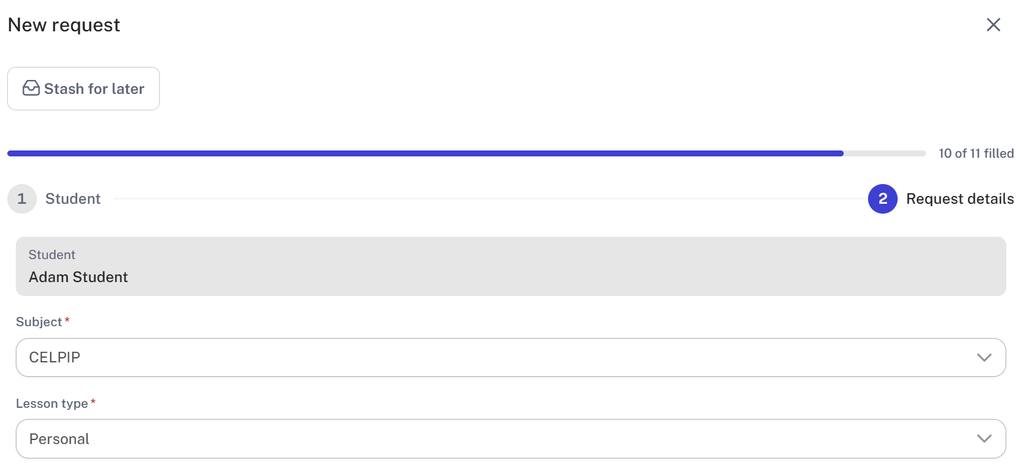
Step 2: Select a subject and lesson type (group or private).
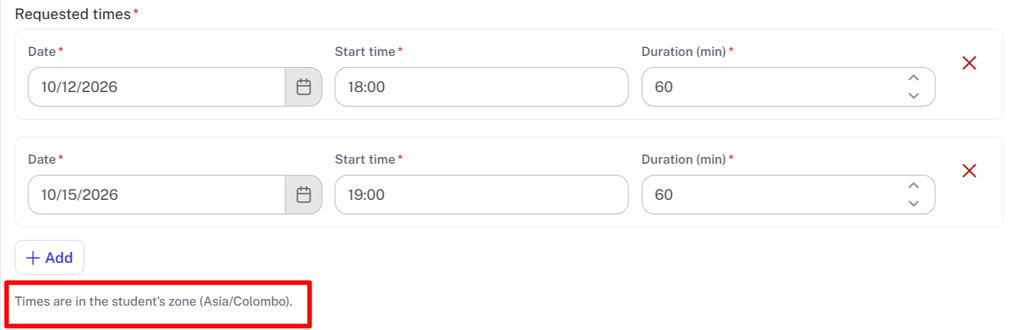
Specify preferred schedule or date for a trial lesson.
Please note that the lesson time must be set according to the student’s time zone (which is listed directly below the “Add” button).
In the “Description” field, please provide details such as the student’s age, their level, requirements for the teacher and lessons, and so on.
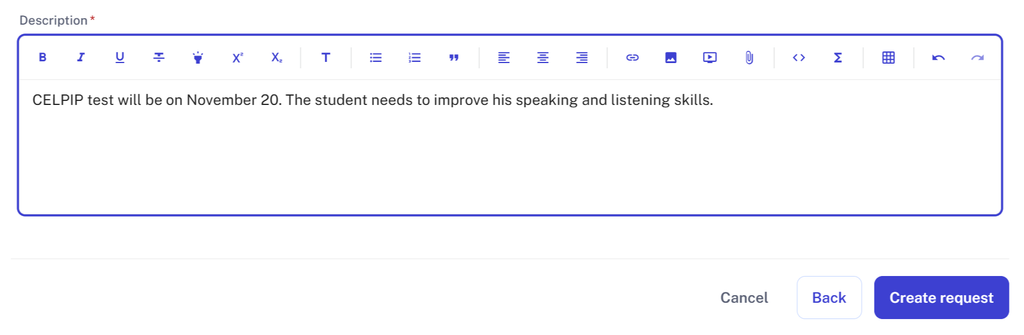
To finish, click “Create Request.”


